> For the complete documentation index, see [llms.txt](https://typless.gitbook.io/typlessapi/llms.txt). Markdown versions of documentation pages are available by appending `.md` to page URLs; this page is available as [Markdown](https://typless.gitbook.io/typlessapi/typless/training.md).
# Training
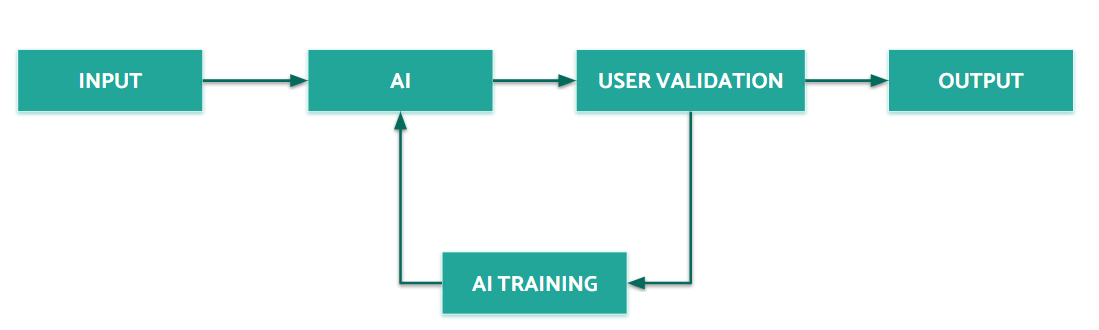
Training your models is an integral part of Typless. Since you are the author of the document types and the structure is not known in advance, you have to [build a dataset](/typlessapi/typless/training/building-a-dataset.md) for your documents that you are automating. Providing context is done by feeding the data to Typless, which then starts recognizing and building connections between the documents.
### Number of documents for precise extraction
Quality
Metadata
Line items
Under 300DPI, skewed scans, ...
1 - 4
1 - 7
300 DPI, original PDFs, ...
1 - 3
1 - 5
{% hint style="info" %}
**📘 ****Train using just values - No additional data needed**
Forget about special annotation or template building process. Typless takes care of everything - Automatically!
{% endhint %}
### Triggering training
{% hint style="success" %}
**👍 ****Training is executed automatically every day at 10 PM CET**
For **all of your suppliers** with new documents in the [dataset](/typlessapi/typless/training/building-a-dataset.md) of all your document types.\
**Free of charge**
{% endhint %}
If you want to see results immediately, you can trigger the training process on the [Dashboard page](https://app.typless.com). Look for your document type in the list, and click on the.